Creating journals in Day One for macOS
How to create additional journals in Day One for Mac
Journal Limits:
- Basic (Free): Unlimited journals
- Plus (Legacy): Unlimited journals
- Premium: Unlimited journals
Creating different journals is a great way to organize your data into different categories.
How to create a new journal
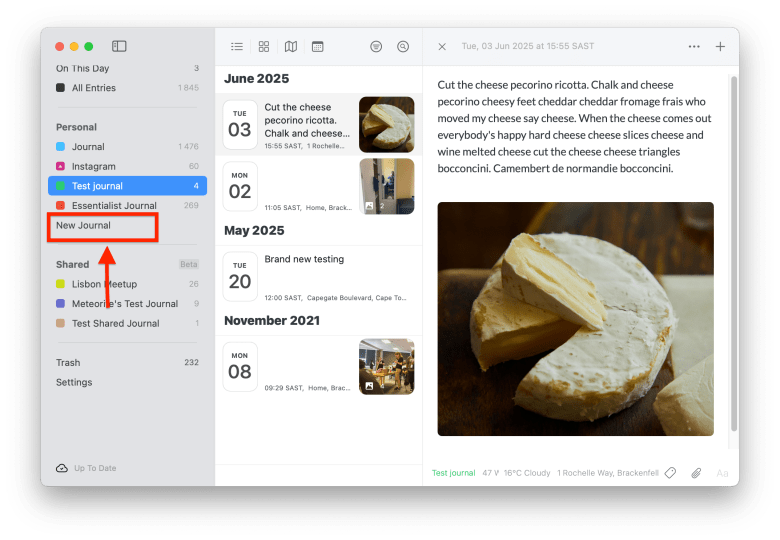
From the journal drawer: Click New Journal.
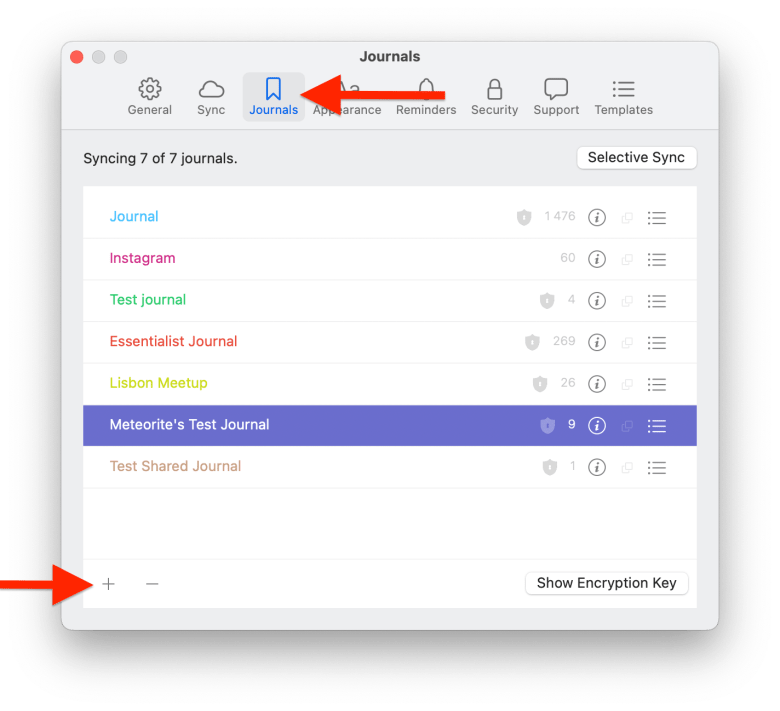
From Settings: Go to Day One > Settings (in the file menu) > Journals, then click the + button at the bottom.